Using v2 of your websites, creating programs looks a little different, so I made some new videos. Like before, we begin with the programs menu.
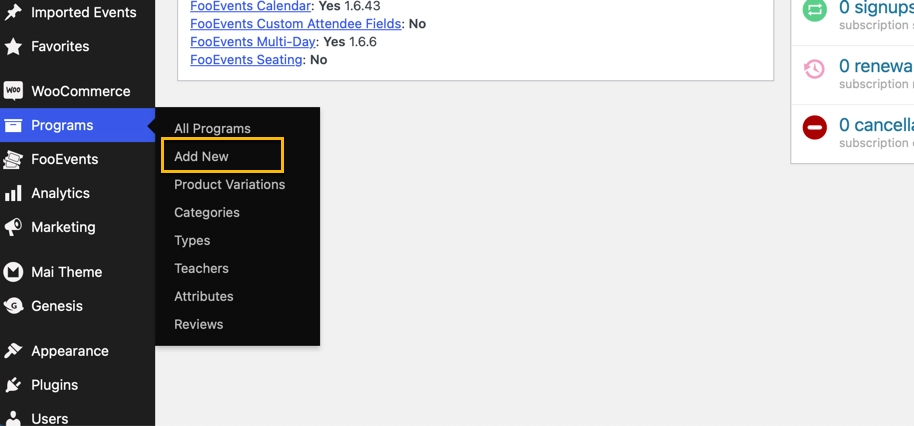
We’re going to create a simple standalone event that happens once and that’s it.
In this first video, we’re creating the “product” and adding its pricing. This should look familiar to you.
At the end, you see we have a product, but it’s not an event yet.
Now we’ll change the product to an event. Note that there are different kinds of events, but this one is just a simple one and done event.
All events must have at least a category and a type associated with them; a teacher designation is optional, but if you know who the teacher is, by all means add it.