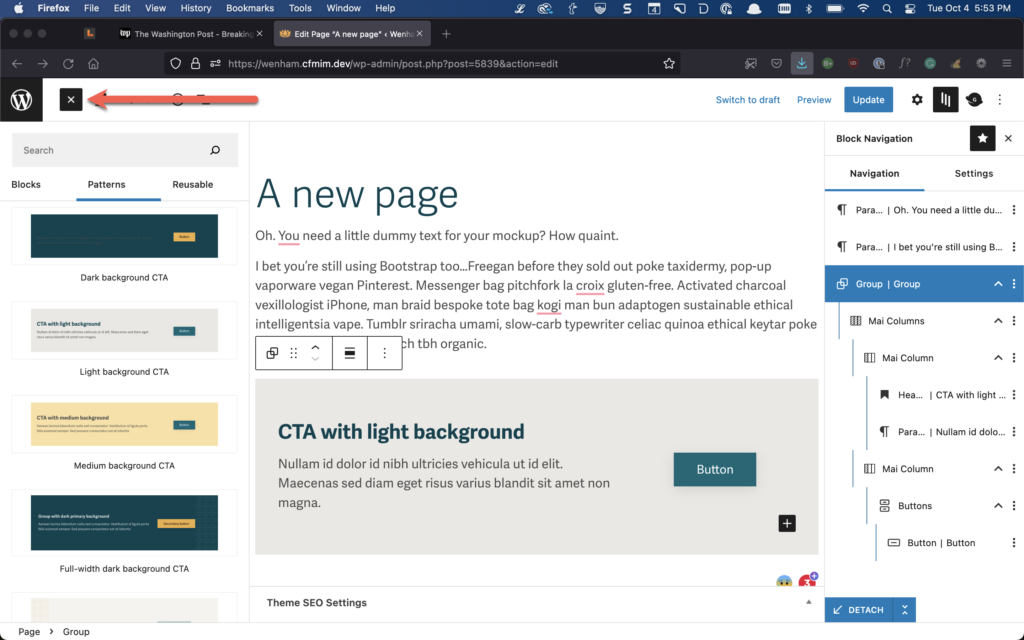
A WordPress pattern is a collection of blocks arranged together into a thoughtful, intentional section for a page or post. Once inserted into a page, the author can edit the pattern content.
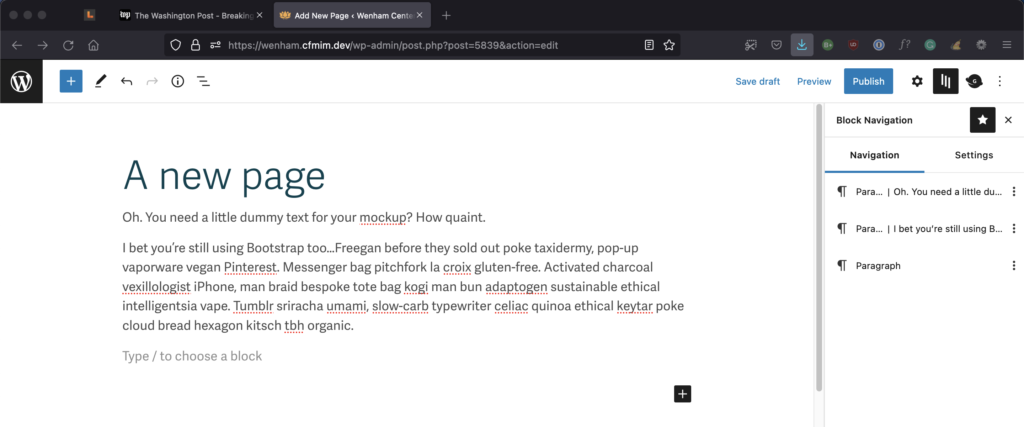
Here’s a new page with a little content.
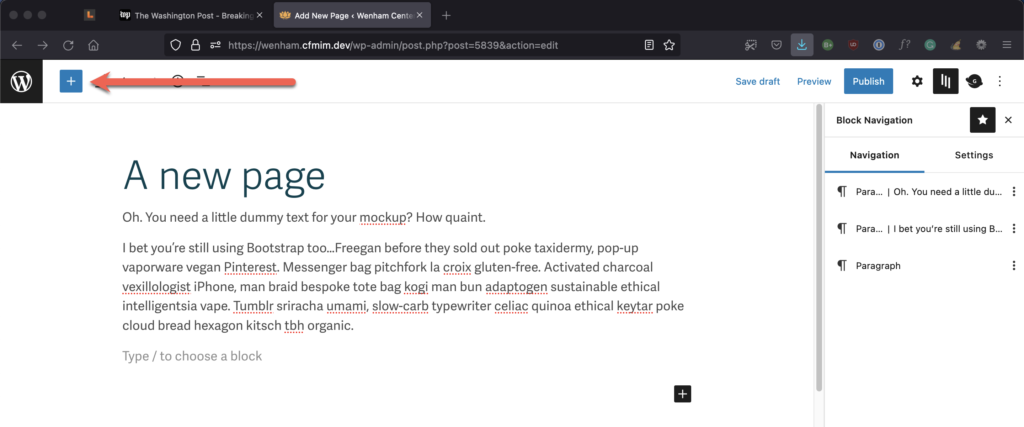
You’ll find all of your site’s blocks under the little blue plus sign in the upper left-hand corner of the page. This blue button is called the block inserter.
Note that there are three types of blocks under the block inserter. The first type is the basic building blocks of a page (like headings and paragraphs), while the second type is patterns. The third type is reusable blocks.
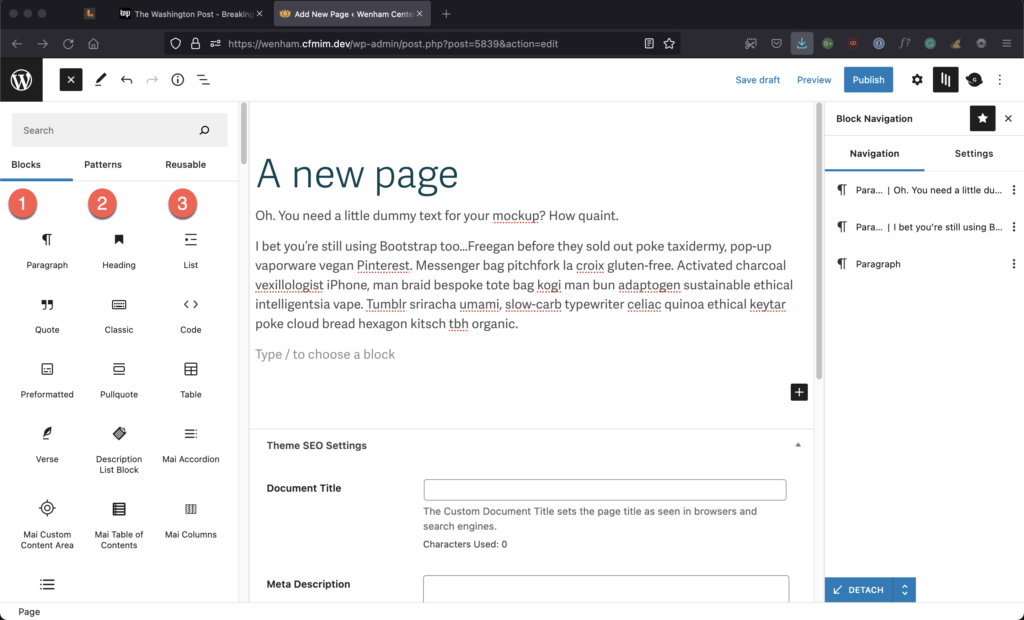
For now, we’re interested in the Pattern blocks. By default, the list opens with the CFMIM patterns listed. They are listed alphabetically by name.
Once you find the pattern you want, just select it, and it will be inserted into your page.

That’s all there is to it! Now you can edit the content inside the block pattern to meet your needs.
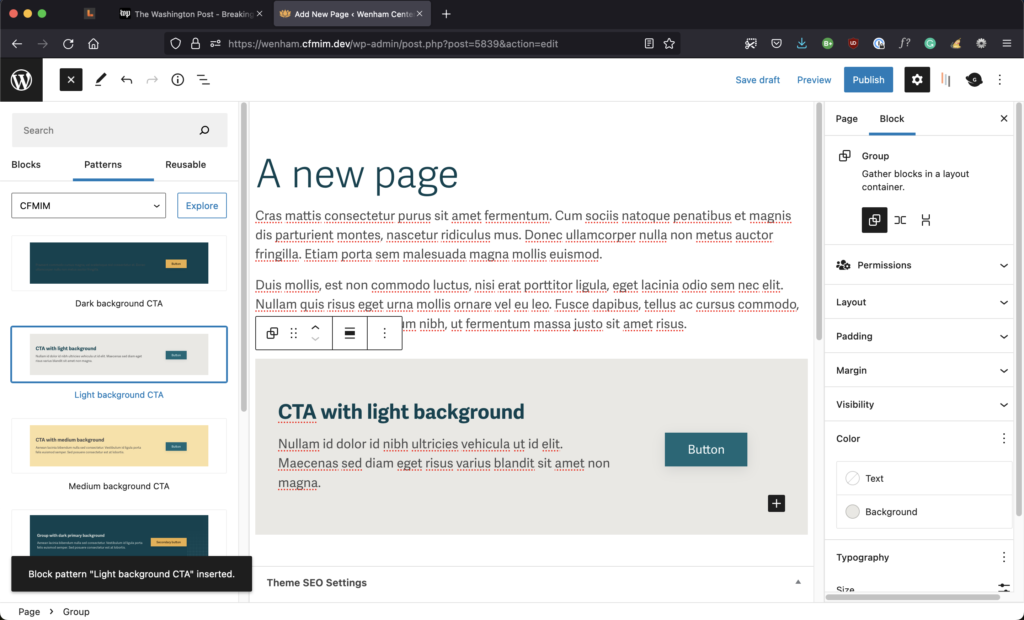
To close the block inserter and make it easier to see what you’re doing, just select the small black button with the x in the upper left-hand corner of the page.